Download
Open the official store for your device. Store availability and requirements are determined by the store.
Choose the store for your device
Use Google Play on Android or the App Store on iPhone and iPad. Open the listing and confirm its name, compatibility and current availability before installing. Store information can differ by device and region.
After installation: find your first walkthrough
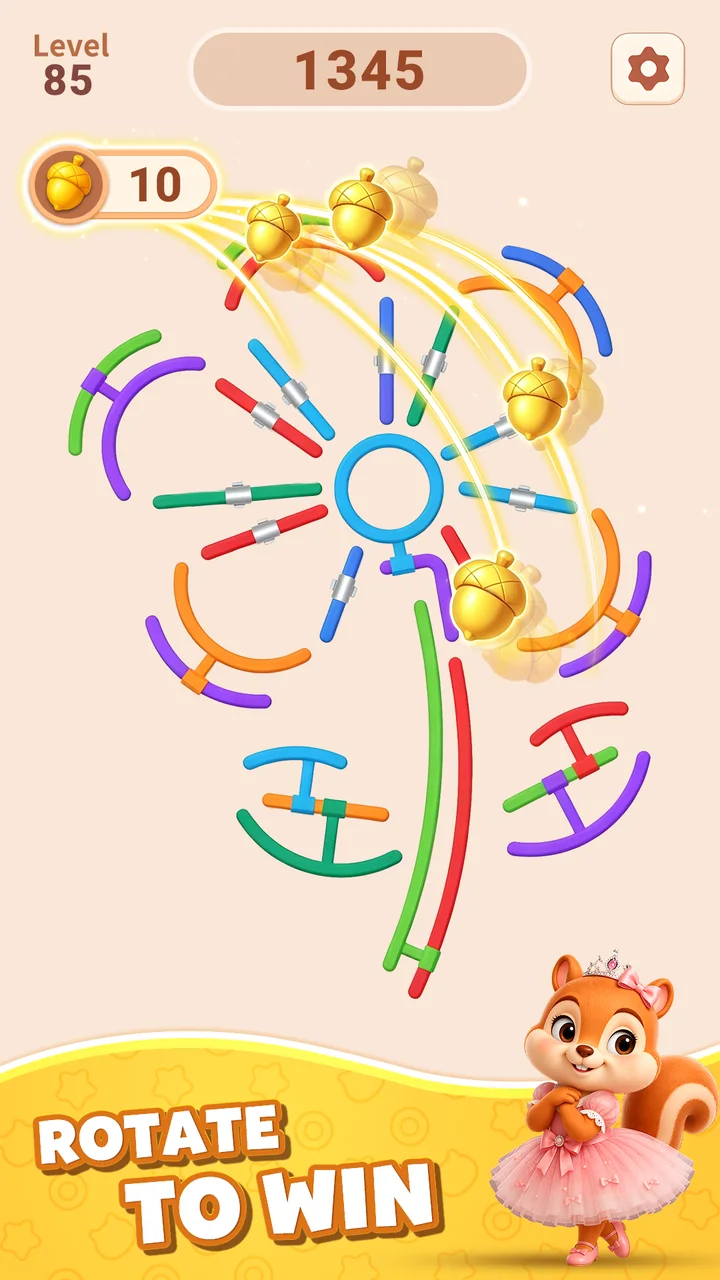
- Launch the game and note the level number shown on its screen.
- Open that number in the level list and compare the board thumbnails.
- Choose the matching board, then read its ring connections and mechanism explanations.
Frequently asked questions
Why does my level look different?
The game has different level schedules. A number alone does not identify the board: compare the thumbnails and choose the rings, bars and pins that match your screen.
What do the numbers on the diagram mean?
They identify individual rings, not the operation order. A written step can also describe a bar or latch, so the step number is not always the ring number. Match the ring number named in the instruction with the diagram.
Can a ring without an opening rotate out?
A closed ring has no opening. Release its blocking connections using the surrounding objects; the ring flies away automatically when it is free.
What does the Hint tool do?
Hint highlights objects to rotate, sometimes in a sequence. Follow the highlighted objects in your game and compare them with the numbered board. It is different from Hammer, which destroys a selected object, or Firework, which clears a random target.